


DAP 500 自动驾驶面板
DAP 500 自动驾驶面板
WINGFLEX 数字自动驾驶面板为家庭驾驶舱带来专业级通用航空操控体验。真实机载风格界面、即插即用的 USB 连接和铝合金支架,让操作更精准。本品全球免运费,含关税。
无法加载取货服务可用情况


WINGFLEX DAP 功能示意图
本文提供官方 DAP 功能示意图。附带的 PDF 包含四张带注释的功能图,详细说明 WINGFLEX DAP 500 数字自动驾驶面板的控件、功能逻辑、按键映射和信号流,以及 GI-275 模拟仪表对应的 AFCS 状态显示逻辑,可用于开发、接线和故障排查。
DAP 兼容性列表
Ga2020AsoboDa40Ng
Ga2020MicrosoftPilatusPc6
Ga2020AsoboTbm930
Ga2020SR22
Ga2024AsoboTbm930
Ga2024AsoboBonanzaG36
Ga2024AsoboKingair350
Ga2024AsoboC172spAs1000
Ga2024Asobo208bGrandCaravanEx
Ga2024MicrosoftC400Corvalis
Ga2024AsoboCj4
Ga2024AsoboDa62
Ga2024AsoboDa40Ng
Ga2024MicrosoftDracox
Ga2024MicrosoftSf50
Ga2024MicrosoftArcher
Ga2024AsoboEs30
Ga2024AsoboNxcub
Ga2024MicrosoftPc12Ngx
Ga2024AsoboXcub
Ga2024CowsDa
Ga2024BlackSquare
Ga2024SR22
GaXPlaneLaminarBaron58
GaXPlaneLaminarKingAirC90B
GaXPlaneLaminarCitationX
GaXPlaneLaminarSkyhawkG1000
GaXPlaneLaminarCirrusSr22
GaXPlaneLaminarVisionSf50
GaXPlaneLaminarRv10
最后更新:2026 年 9 月 22 日
随着更多机型获得支持,我们会持续更新此列表。
WINGFLEX DAP 500 数字自动驾驶面板
这款数字自动驾驶面板专为通用航空模拟飞行打造。

主要功能
- 配备 12 个按钮、2 个可按压旋转编码器和 1 个滚轮编码器。
- 所有按键均可自定义映射。
- 通过 WINGFLEX Bridge 软件自动配置*。
- 内置环境光传感器,背光可按需调节**。
- 支持通过 WINGFLEX Bridge 在线更新固件(OTA)。
- 可扩展连接后续推出的 DAP 系列辅助面板。


各按键对应功能
IAS:指示空速
AP:自动驾驶
FD:飞行指引
YD:偏航阻尼
LVL:高度层转换
VS:垂直速度
ALT:高度
VNAV:垂直导航
LNAV:横向导航
兼容平台
- X-Plane 11/12
- Microsoft Flight Simulator 2020/2024
- Prepar3D V5/V6
- 其他兼容 HID 游戏控制器的模拟游戏
- * 自动适配仅适用于主流平台上的部分机型。
- ** 可在 WINGFLEX Bridge 中开启或关闭自动背光。
产品信息与保修
包装尺寸
长 26.8 厘米,高 10.4 厘米,宽 13 厘米,重 0.8 千克
包装清单
- DAP 主面板 × 1
- 安装支架 × 1
- M4 内六角螺丝 × 2
- 螺丝刀 × 1
- USB-C 线缆 × 1
- 用户手册 × 1
系统要求
- 支持设备:仅限 PC
- 支持系统:Windows 7/8/10/11
重要安全须知
- 请勿将设备暴露在雨水或潮湿环境中,以免引发火灾或触电。
- 避免在阳光直射下使用。
- 建议在室内使用,环境温度为 5–30 ℃。
- 不适合 6 岁以下儿童。误吞小配件可能导致窒息。
- 未经授权拆卸将使所有保修失效。
- 请远离直接热源。
- 长时间不用时,请拔下 USB 电源线。
- 如出现异常,请立即停止使用并联系 WINGFLEX 官方售后。
- 最新产品动态请关注 WINGFLEX 官网及官方社交媒体。
保修政策
DAP 主机自原购买日期起享有 12 个月有限保修。外壳、用户手册、螺丝、工具和原包装不在一年免费保修范围内,可提供付费维修服务。
免费保修范围之外的项目(可选付费维修)
- 已超过保修期。
- 无法提供有效购买凭证或保修凭证,但能提供其他有效在保证明的情况除外。
- 因未经授权人员拆卸或改装造成的损坏。
- 因不可抗力造成的损坏。
- 因未按用户手册正确使用、维护或存放而造成的损坏。
- 保修期限可能因部件及所在国家或地区的法律规定而异。具体请咨询 WINGFLEX 官方售后或当地授权经销商。
At first time using i was not good with the Bridge program, dosent' work, but with the help of customer service, the problem was fully resolved. Very good autopilot, thanks, Wingflex.
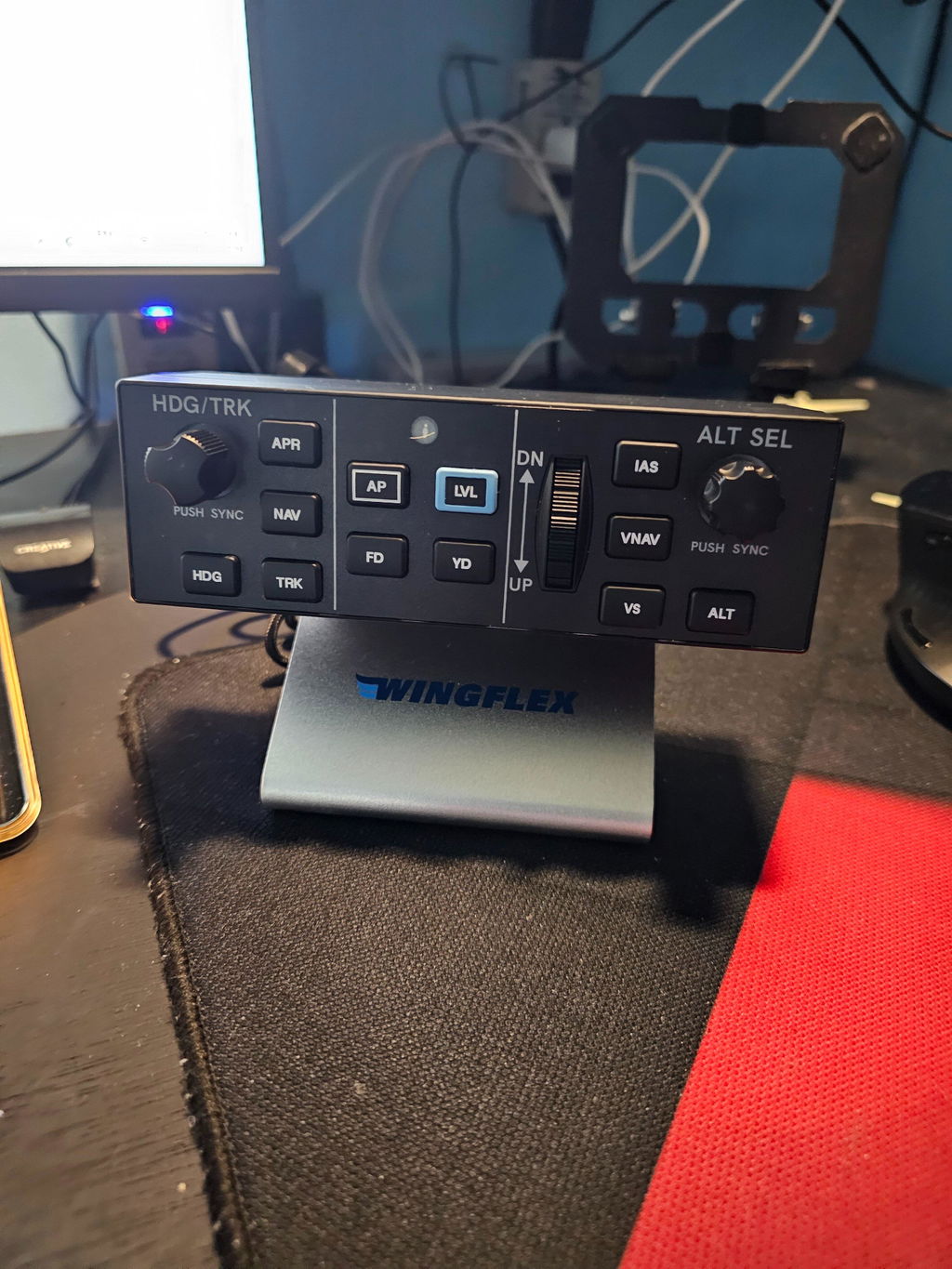
It’s nice. Can’t get the VNAV button to work and the “default” profile doesn’t work on most GA planes. Have to go in to MSFS 2024 control settings and physically set them up. For the price, it’s definitely worth it; however, I expected more from WingFlex.
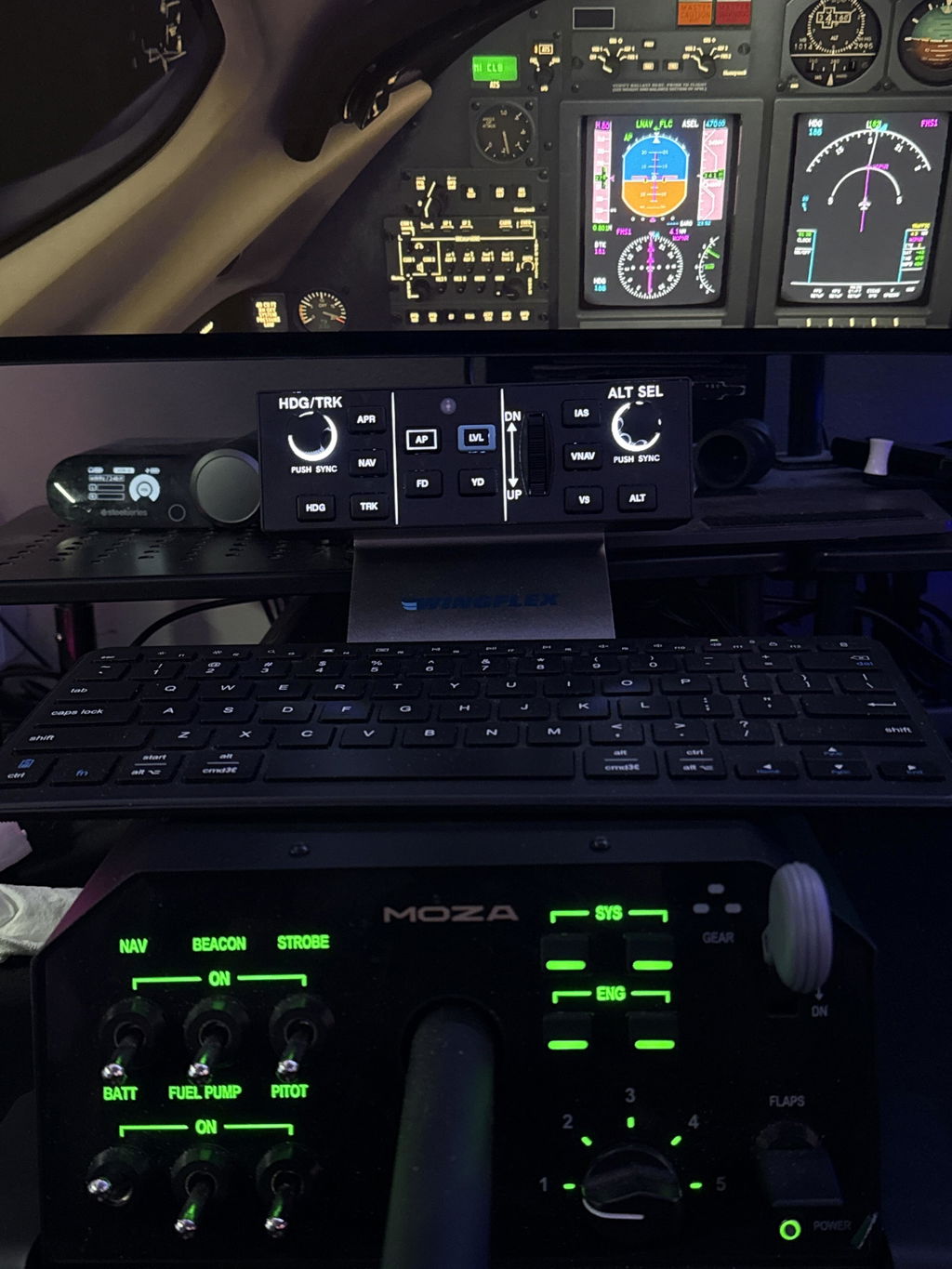
Different aircraft might react to different MSFS2024 in-game control settings (example some aircraft reacts to “Toggle” instead of “ON/OFF”, there is no “one size for all” unfortunately.
As we have explained on other occasions, whether it’s the MSFS in-game binding capabilities or whether it’s about MobiFlight, the purpose is to enable the ability for users to customize their hardware for their own specific needs, and we do not have the capacity or proper ability to provide, maintain, or support “official profile.” We recommend you to use Wings-Bridge for natively supported aircraft for the best experience or try to bind in-game controls by yourself to make sure it suits your specific needs.
Thank you for your feedback! ❤️❤️❤️
Really like it except the VS scroll wheel feels stiff. I wish it was a little smoother to use. Everything else about is great.
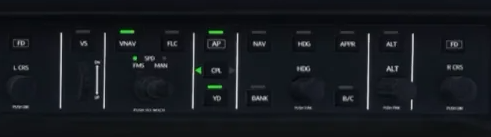
The only other suggestion I can make is maybe you could consider making something like a DAP3000 or 5000 that mirrors the Garmin autopilot used in planes like the Longitude, Sovereign, Phenom, etc. If I had a unit with an additional speed and barometer scroll buttons would be perfect.
Thank you so much for your detailed feedback and suggestions! 😊 We'll continue refining the design in future production.
Product is really good -- getting it setup with SPAD.neXt so there will be a bunch of complete Snippets ready to go
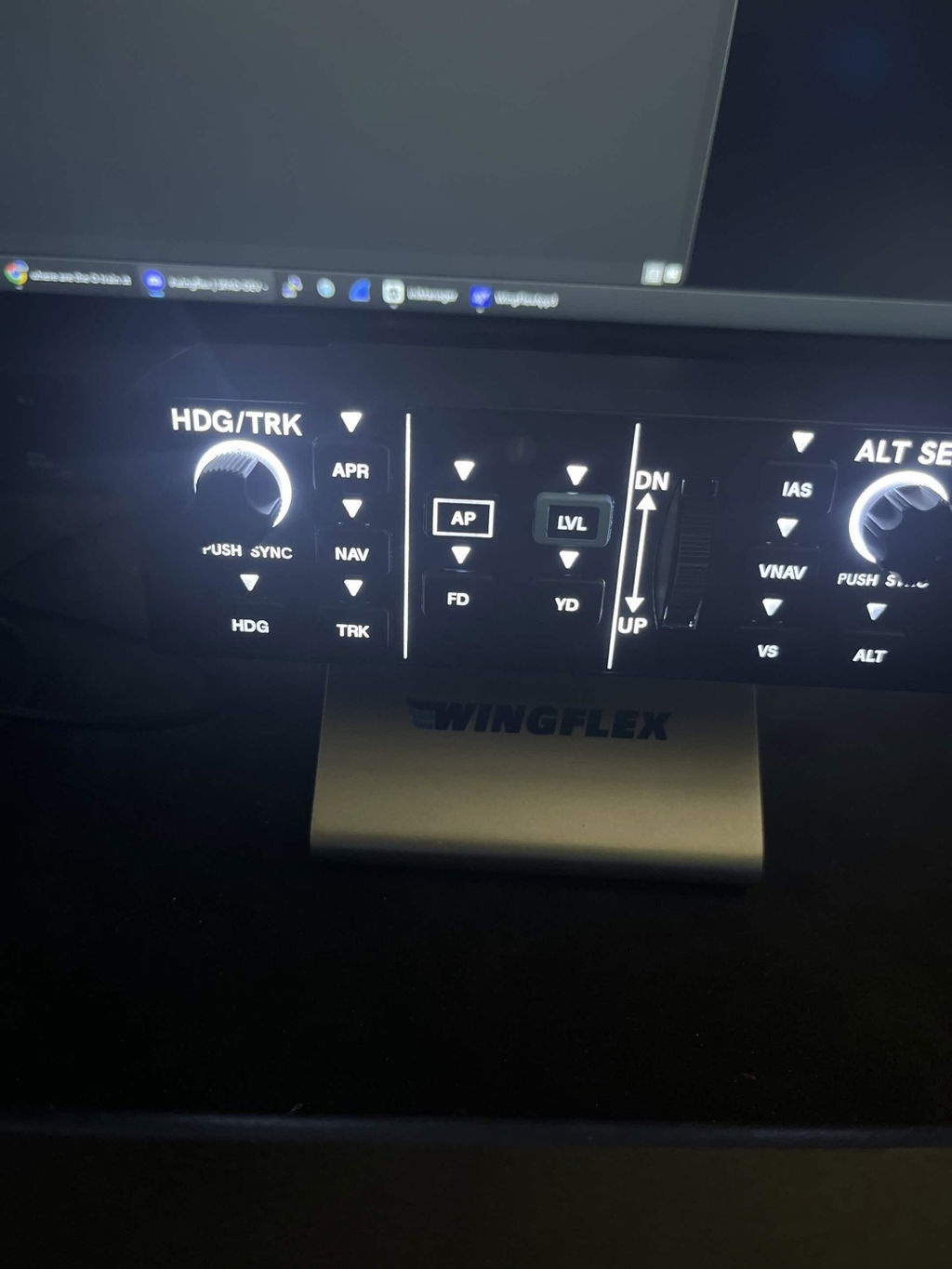
Very good product... the vertical speed wheel is a bit stiff. The firmware installation is unusual... read the instructions carefully.
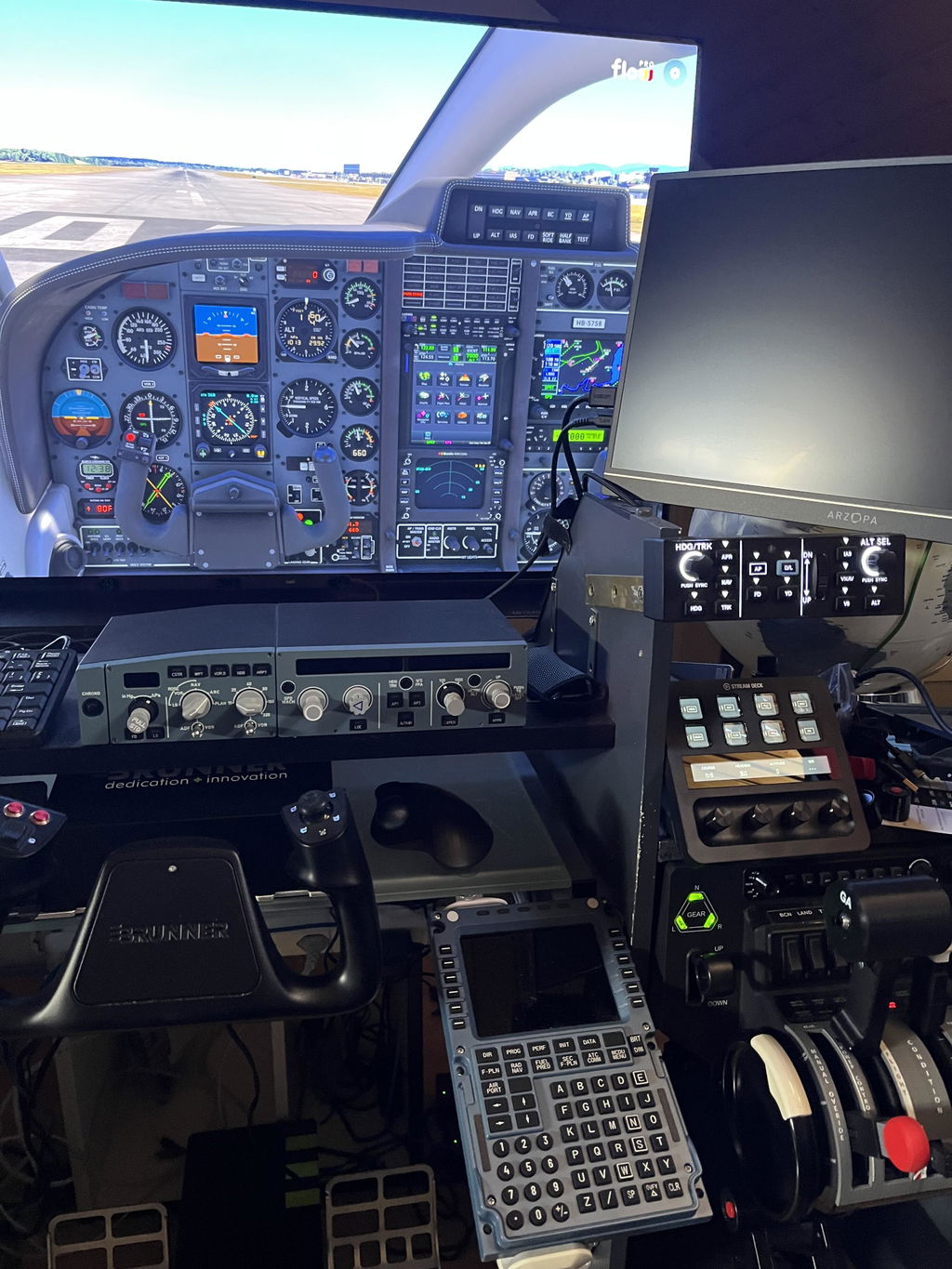
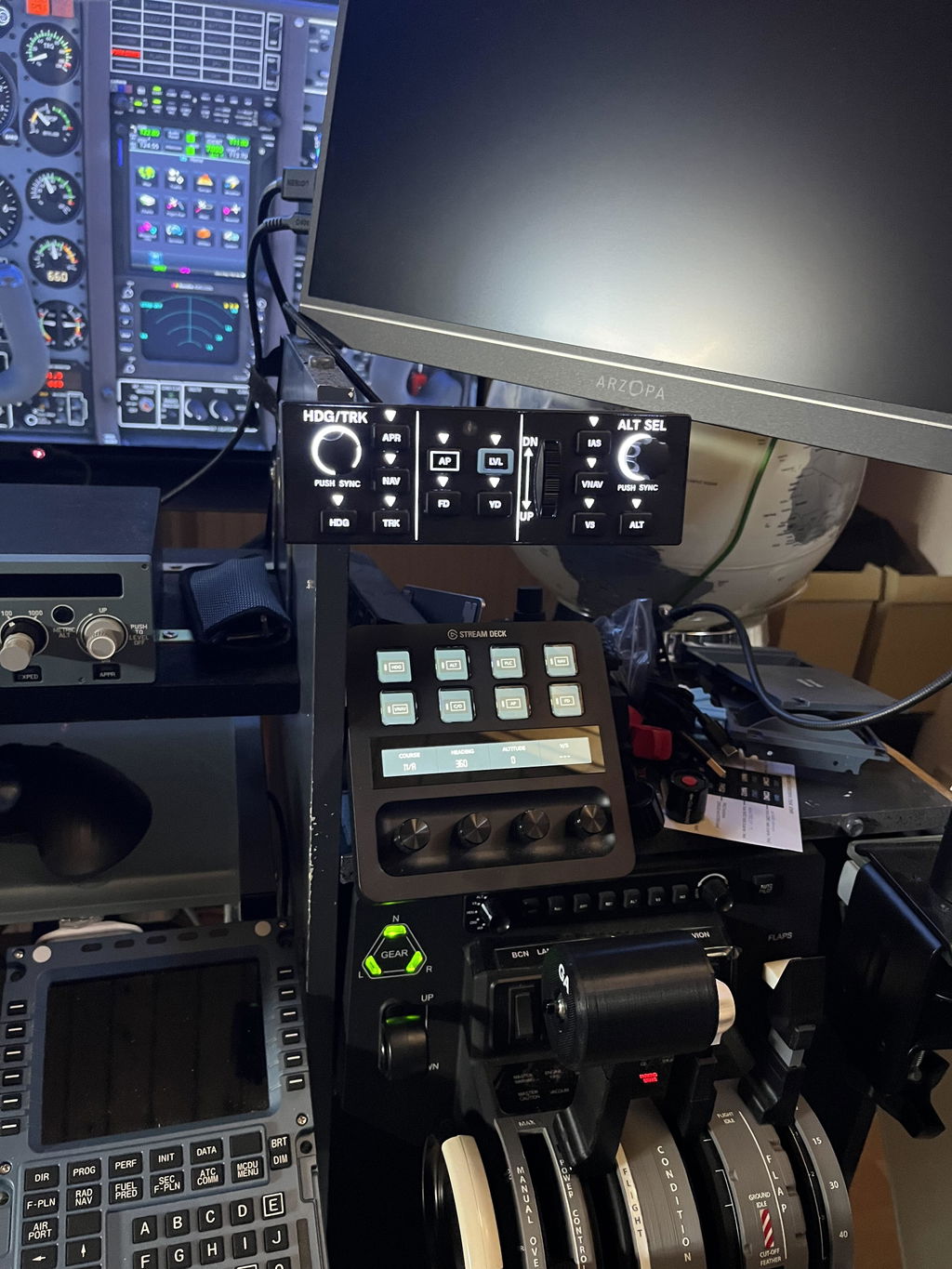
We will continue to improve our products based on feedback like yours. Regarding the vertical speed wheel, it may feel a little stiff at first, but it should become smoother after a period of use. Thank you again for choosing WINGFLEX!
The looks are great, the manual is missing the first setup with the software. On the site there is the old software and the unit did not work in FS24. After looking on Discord I found a new one.
I agree the only minus is the force on the vs wheel and also hope that you wil and can provide the early adapters with an upgrade !!
Frank
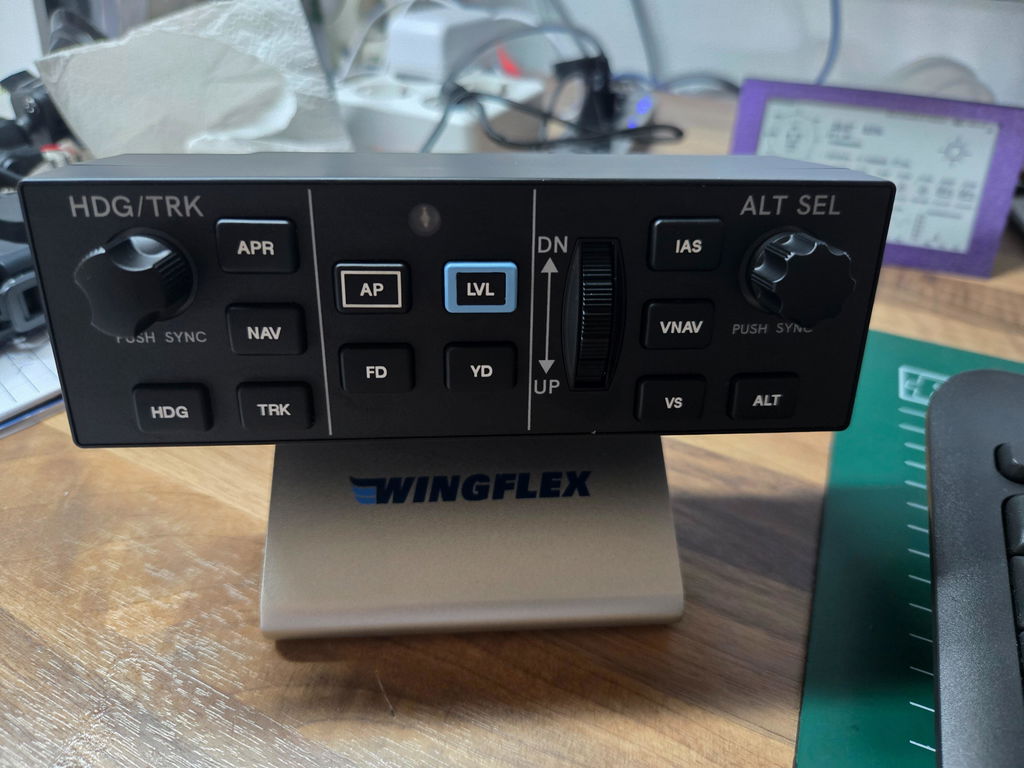
Thank you for your feedback. We will add complete software setup instructions to the manual and post them on our product page. As for the VS wheel resistance, we’ll optimize it for future batches. Feel free to email us if you need further help!
Looks like the real thing- well built, good quality, only minus is the force on the vs wheel which is too strong! (Not like the real thing🫢).
Trust you can fix this for the early buyers!
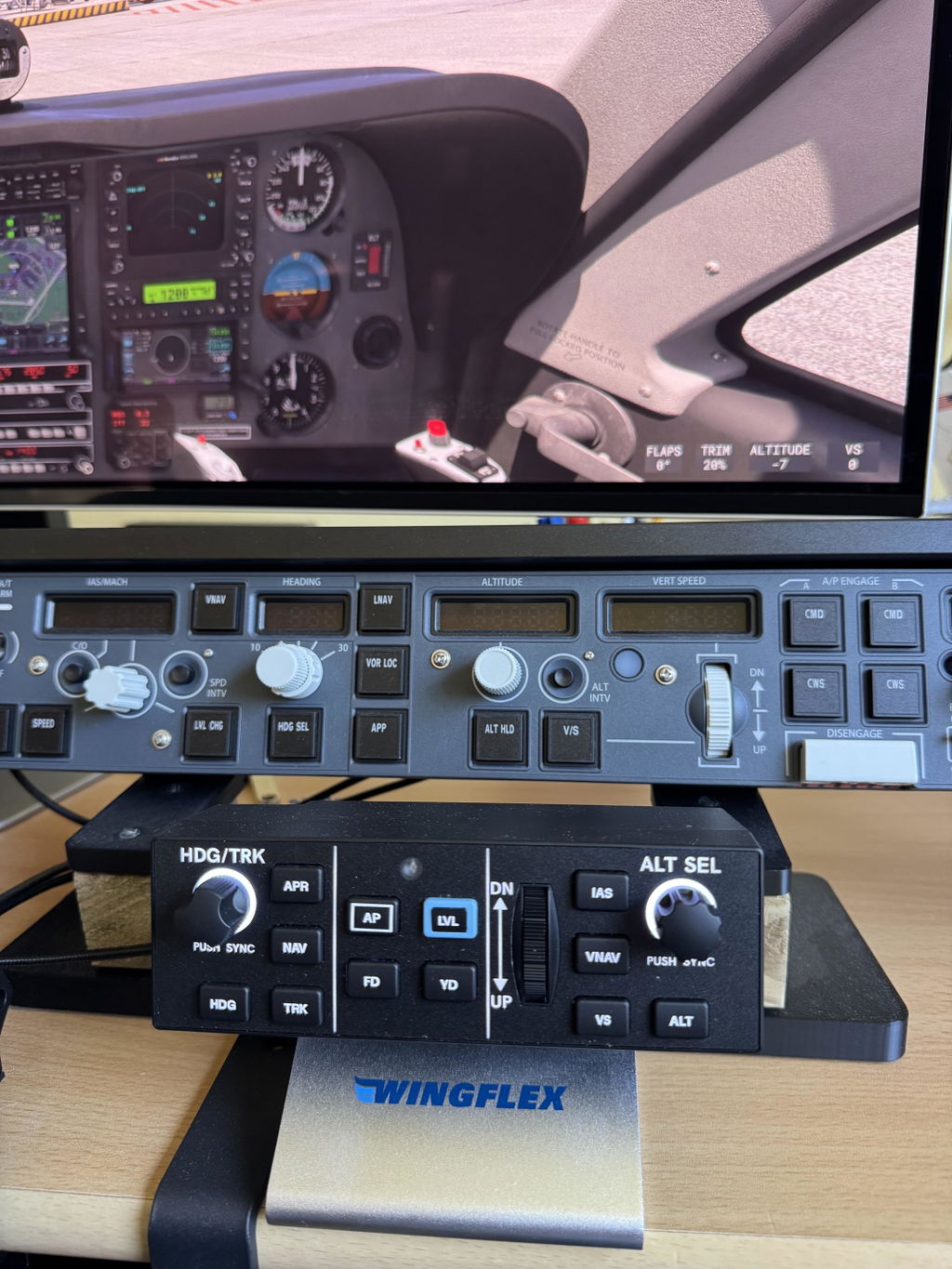
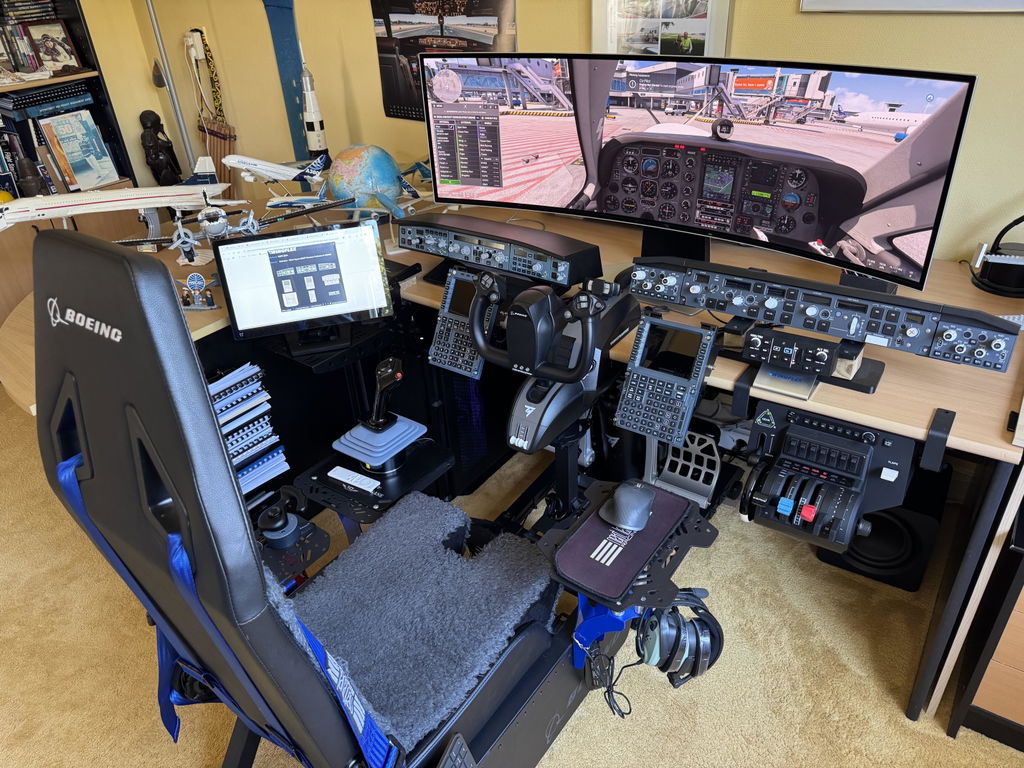
Thanks for your nice review and awesome setup photos! I’ve shared your feedback with our team, and we will optimize the VS wheel force on all future production units. Please feel free to email us directly if you have any other questions or issues.
I like it a lot, except the Alt and HDG knobs feel pretty loose. Other than that it’s all good
Great quality, speedy delivery and very satisfied.
excellent
J'aime beaucoup ce DAP500, je suis dans MSFS 2024 avec le TBM930, SUPER ! Mais, j'aimerais qu'il soit aussi compatible avec le PIPER M600, est-ce possible ? Merci 👍 Bonne journée.
Soooooo good, love the indikators so u know whats on
And it just works
Solid product & fast delivery. Setup was challenging-suggest making it easier.
Parametrage réussi
Coming Citation X and AT72-600 this is may favorit flight.
Nice build quality. Nice tacile feel. No lag
Overall useful to train muscle memory for a Garmin GFC500, and/or Garmin autopilot system.
Easy to upgrade firmware an auto software update.
No installer needed is also very nice. Runs from exe.
Loses 1 start because
No accelerated turn rate for the HDG/TRK rotary with X-plane 12. Need extra software to accomplish this. Now on click is one degree. You have to turn a lot to change 180 degrees. Would be nice if you turn quick, every click is a few degrees. Is partly a X-plane problem.
Some problems with software. Doesn't resize right in Windows 11.
Software freezes sometime (unable to close, and restarts frozen if you kill it)
Some compatibility issues with Moza Cockpit software. Have t start the Moza cockpit software after the Wingflex software.
But this are growing pain issues. Giving time they probably will be solved.
All good except the firmness of the wheel. Ok, but not as smooth as the real thing.
Great product. Easy to setup with SpadNext.
Thant's good, thank you for your feedback! ❤️
Ich sehr zufrieden mit dem Teil! Sehr gute Qualität! Sehr praktisch mit dem Aluminium- Ständer! Leider sind noch nicht viele Flugzeuge mit dem DAP 500 zu bedienen, gibt es bald neue Updates für MSFS 2024?
😘😘😘 Thank you for your review!!!
Good quality overall. I haven't found a way to bind the NAV button, but that is more of an issue with MSFS.
Yes, thank you very much for your rating and support! We really appreciate it. ❤️
First impressions are great, solid product, buttons and potentiometers feels good as well as vertical speed wheel.
Great product, fast delivery.
Awesome product. Doesn't seems to be plug and play though. Needs deep manual configuration.
Different aircraft might react to different MSFS2024 in-game control settings (example some aircraft reacts to “Toggle” instead of “ON/OFF”, there is no “one size for all” unfortunately.
As we have explained on other occasions, whether it’s the MSFS in-game binding capabilities or whether it’s about MobiFlight, the purpose is to enable the ability for users to customize their hardware for their own specific needs, and we do not have the capacity or proper ability to provide, maintain, or support “official profile.” We recommend you to use Wings-Bridge for natively supported aircraft for the best experience or try to bind in-game controls by yourself to make sure it suits your specific needs.
Thank you for your feedback! ❤️❤️❤️
Very well built, cool little autopilot
Doesn't recognize XPlane 12 Aircraft
Thank you for your feedback. Could you please let us know which specific aircraft model you are using in X-Plane 12? We have already sent you an email regarding this issue. Please reply to the email with the aircraft information, and we will help you troubleshoot and resolve the problem.
Excellent build. Wingflex needs to supply profiles for various aircraft.
Different aircraft might react to different MSFS2024 in-game control settings (example some aircraft reacts to “Toggle” instead of “ON/OFF”, there is no “one size for all” unfortunately.
As we have explained on other occasions, whether it’s the MSFS in-game binding capabilities or whether it’s about MobiFlight, the purpose is to enable the ability for users to customize their hardware for their own specific needs, and we do not have the capacity or proper ability to provide, maintain, or support “official profile.” We recommend you to use Wings-Bridge for natively supported aircraft for the best experience or try to bind in-game controls by yourself to make sure it suits your specific needs. 😘
A great add-on for flying in VR especially turning the knobs that are quite fiddly if trying to use mouse in VR. Relatively easy to setup but would have benefited from a key map initially. The scroll wheel is quite stiff but if the box is anchored to the Bravo control box using the stand with adhesive grips, it is easy to manipulate. Overall the operational feel is positive and works well.