


DAP 500
DAP 500
Crafted for flight simulation enthusiasts, the WINGFLEX Digital Autopilot Panel delivers professional-grade general aviation flight controls for your home cockpit setup. Designed with authentic aircraft-style interfaces, plug-and-play USB connectivity, and a premium aluminum alloy stand, it enhances realism, precision, and immersion in every flight.
Please note: This product includes free worldwide shipping & customs duties.
Couldn't load pickup availability


WINGFLEX DAP Function Diagram
This release provides the official DAP Function Diagram document. The attached PDF includes four annotated functional diagrams detailing all controls, full functional logic, button mapping and signal flow of the WINGFLEX DAP 500 digital autopilot panel, alongside the corresponding AFCS status display logic of the GI-275 simulator gauge, as a reference for development, wiring and user debugging.
DAP Compatibility List
Ga2020AsoboDa40Ng
Ga2020MicrosoftPilatusPc6
Ga2020AsoboTbm930
Ga2020SR22
Ga2024AsoboTbm930
Ga2024AsoboBonanzaG36
Ga2024AsoboKingair350
Ga2024AsoboC172spAs1000
Ga2024Asobo208bGrandCaravanEx
Ga2024MicrosoftC400Corvalis
Ga2024AsoboCj4
Ga2024AsoboDa62
Ga2024AsoboDa40Ng
Ga2024MicrosoftDracox
Ga2024MicrosoftSf50
Ga2024MicrosoftArcher
Ga2024AsoboEs30
Ga2024AsoboNxcub
Ga2024MicrosoftPc12Ngx
Ga2024AsoboXcub
Ga2024CowsDa
Ga2024BlackSquare
Ga2024SR22
GaXPlaneLaminarBaron58
GaXPlaneLaminarKingAirC90B
GaXPlaneLaminarCitationX
GaXPlaneLaminarSkyhawkG1000
GaXPlaneLaminarCirrusSr22
GaXPlaneLaminarVisionSf50
GaXPlaneLaminarRv10
Last Updated: September 22, 2026
We will keep updating this compatibility list as new aircraft support is developed.
WINGFLEX DAP 500 (Digital Autopilot Panel)
The Digital Autopilot Panel is engineered exclusively for general aviation flight simulation.

Key Features
- Equipped with 12 push buttons, 2 pushable rotary encoders and 1 scroll-wheel encoder.
- Full user-customizable key assignment.
- Automatic configuration via proprietary WingFlex© Bridge software*.
- Adjustable backlight with ambient light sensor, fully configurable by users**.
- Firmware OTA upgrade supported via the bridge software.
- Expandable to upcoming DAP-series auxiliary panels.


Corresponding Button Functions
IAS - Indicated Air Speed
AP - Autopilot
FD - Flight Director
YD - Yaw Damper
LVL - Level Change
VS - Vertical Speed
ALT - Altitude
VNAV - Vertical Navigation
LNAV - Lateral Navigation
Compatible Platforms
- X Plane 11 / 12
- Microsoft Flight Simulator 2020 / 2024
- Prepar3D V5 / V6
- Other HID gamepad compatible simulation titles
- *: Automatic adaption available for selected aircraft on mainstream platforms only.
- **: Auto backlight toggle option inside WingFlex© Bridge software
Product Info & Warranty
Package Dimensions
Length 26.8cm Height 10.4cm Width 13cm Weight 0.8kg
Package Contents
- 1 × DAP Main Panel
- 1 × Mounting Bracket
- 2 × M4 Hex Socket Screws
- 1 × Spanner Screwdriver
- 1 × USB Type C cable
- 1 × User Manual
System Requirements
- Supported Hardware: PC only
- Supported OS: Windows 7 / 8 / 10 / 11
Important Safety Instructions
- Do not expose the unit to rain or humid conditions to avoid fire hazards or electric shock.
- Avoid operating under direct sunlight.
- Recommended ambient operating temperature: 5℃ ~ 30℃ for indoor use.
- Not suitable for children under 6 years old; small accessories pose choking hazard if swallowed.
- Unauthorized disassembly voids all warranty coverage.
- Keep away from direct heat sources.
- Unplug the USB power cord when the product will not be used for extended periods.
- Cease operation immediately and contact official WINGFLEX support if any abnormal condition occurs.
- Follow WINGFLEX official website and social media channels for latest product updates.
Warranty Policy
The main DAP unit carries a 12 month limited warranty starting from the original purchase date. Excluded from free one year warranty: outer casing, user manual, screws, tooling and original packaging; paid repair service is available for these items.
Exclusions from Free Warranty Service (Paid repair optional)
- Warranty coverage expired.
- No valid purchase receipt or warranty certificate (exemption if valid proof of in warranty status is provided).
- Damage caused by disassembly or modification performed by non authorized personnel.
- Damage resulting from force majeure incidents.
- Damage arising from improper use, maintenance or storage against user manual guidance.
- Warranty duration may vary per component and local legal regulations of different countries/regions. Contact WINGFLEX official or authorized local dealers for region specific warranty details.
At first time using i was not good with the Bridge program, dosent' work, but with the help of customer service, the problem was fully resolved. Very good autopilot, thanks, Wingflex.
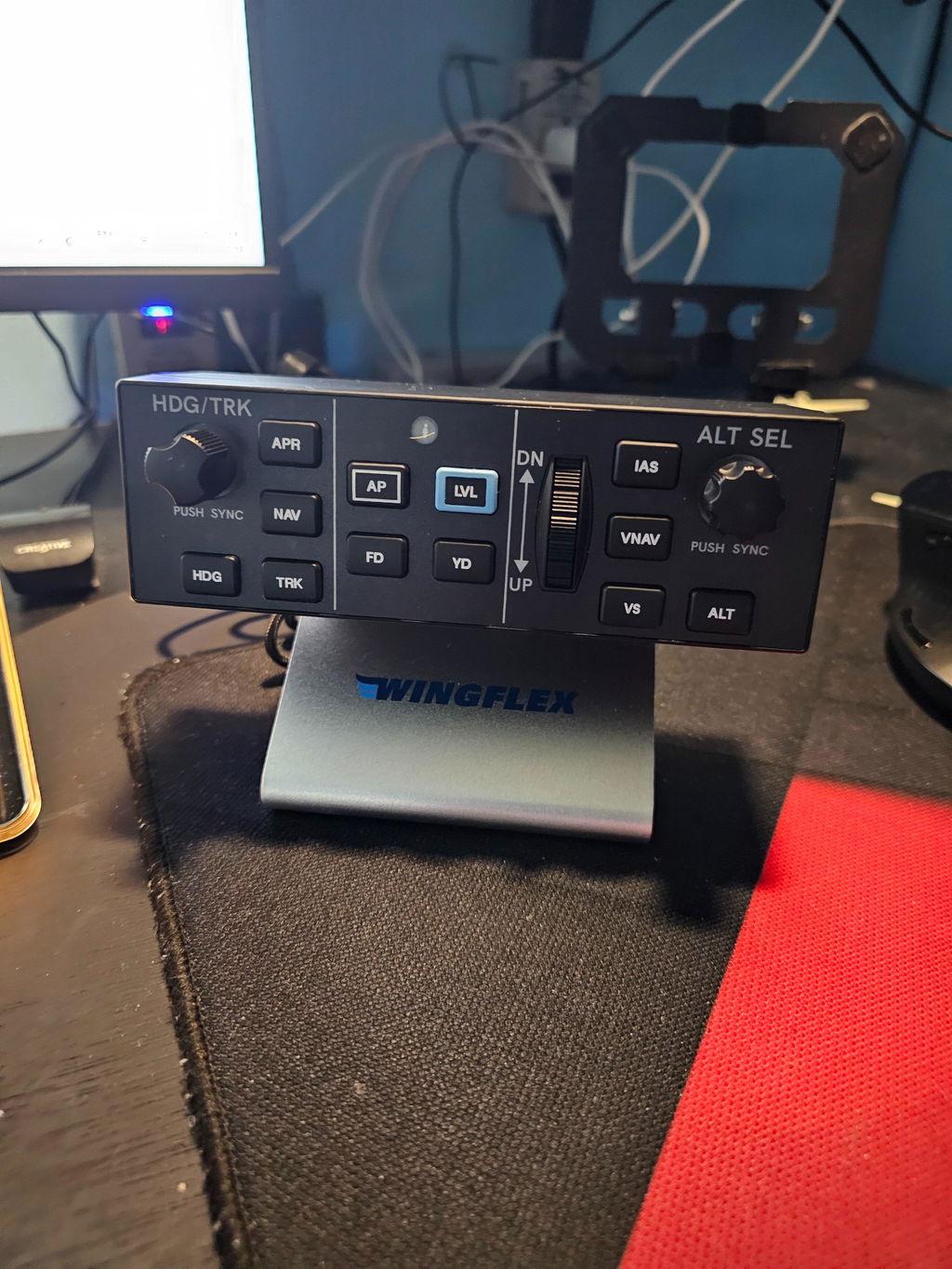
It’s nice. Can’t get the VNAV button to work and the “default” profile doesn’t work on most GA planes. Have to go in to MSFS 2024 control settings and physically set them up. For the price, it’s definitely worth it; however, I expected more from WingFlex.
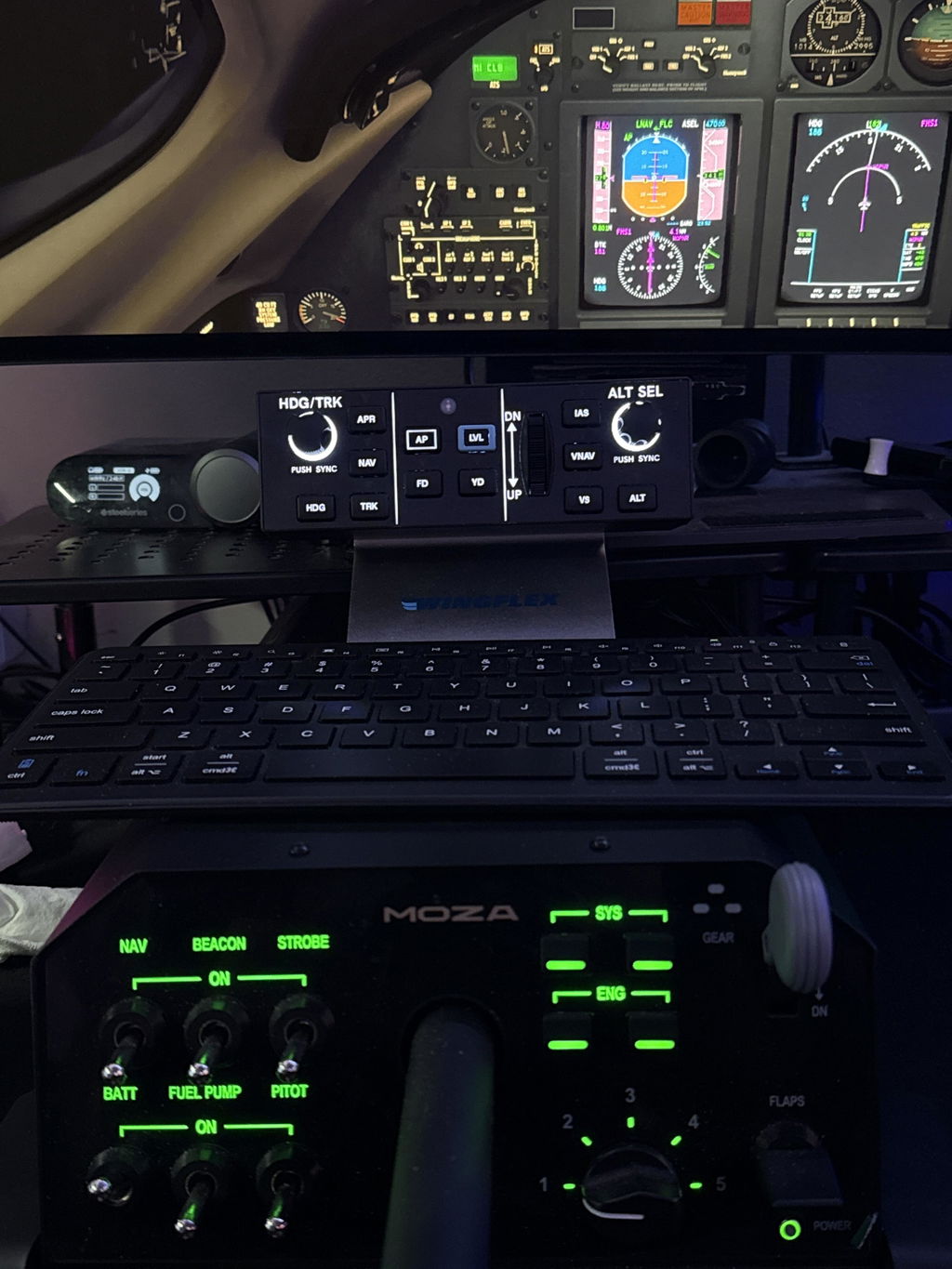
Different aircraft might react to different MSFS2024 in-game control settings (example some aircraft reacts to “Toggle” instead of “ON/OFF”, there is no “one size for all” unfortunately.
As we have explained on other occasions, whether it’s the MSFS in-game binding capabilities or whether it’s about MobiFlight, the purpose is to enable the ability for users to customize their hardware for their own specific needs, and we do not have the capacity or proper ability to provide, maintain, or support “official profile.” We recommend you to use Wings-Bridge for natively supported aircraft for the best experience or try to bind in-game controls by yourself to make sure it suits your specific needs.
Thank you for your feedback! ❤️❤️❤️
Really like it except the VS scroll wheel feels stiff. I wish it was a little smoother to use. Everything else about is great.
The only other suggestion I can make is maybe you could consider making something like a DAP3000 or 5000 that mirrors the Garmin autopilot used in planes like the Longitude, Sovereign, Phenom, etc. If I had a unit with an additional speed and barometer scroll buttons would be perfect.
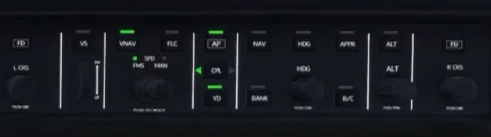
Thank you so much for your detailed feedback and suggestions! 😊 We'll continue refining the design in future production.
Product is really good -- getting it setup with SPAD.neXt so there will be a bunch of complete Snippets ready to go
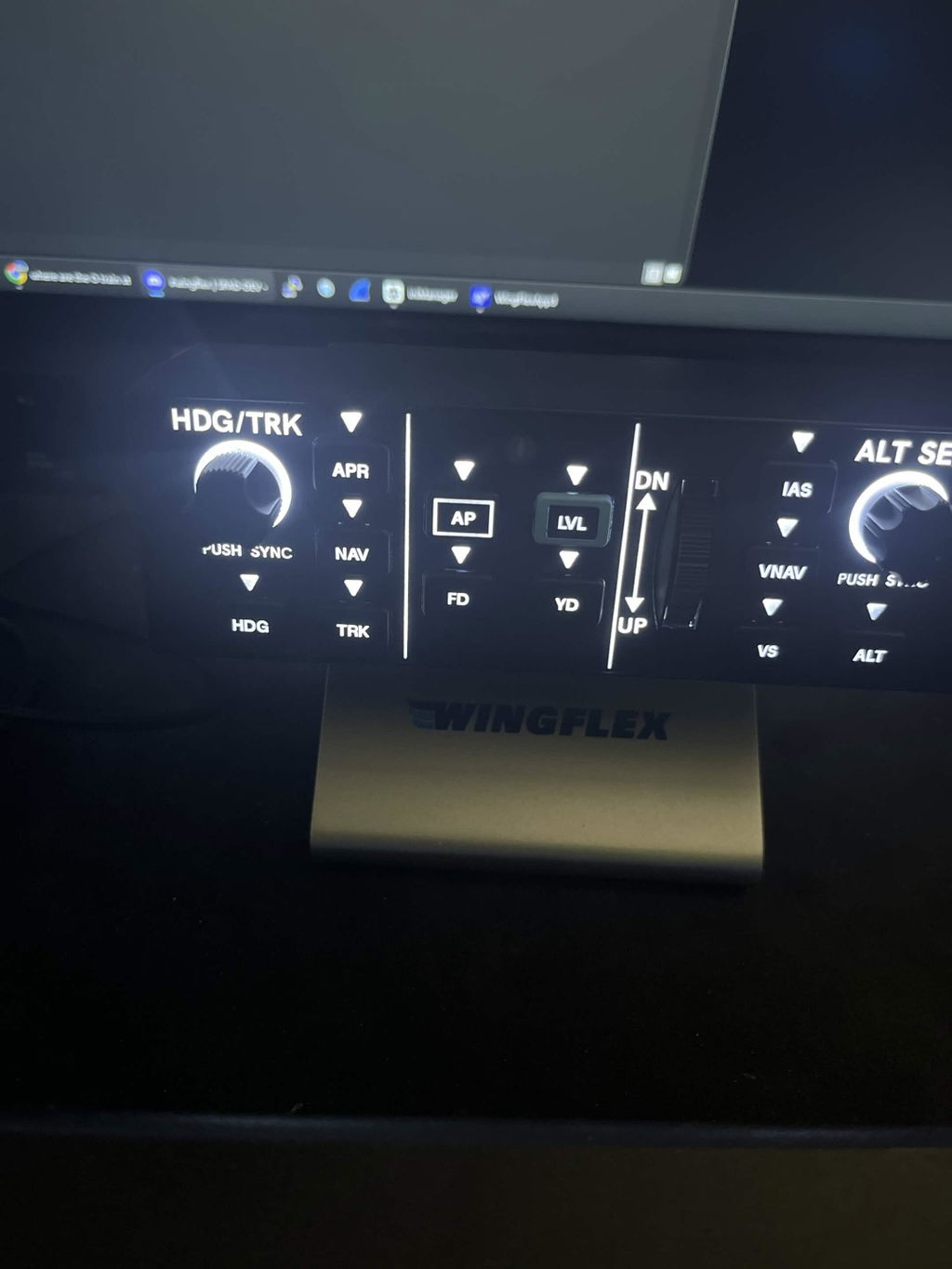
Very good product... the vertical speed wheel is a bit stiff. The firmware installation is unusual... read the instructions carefully.
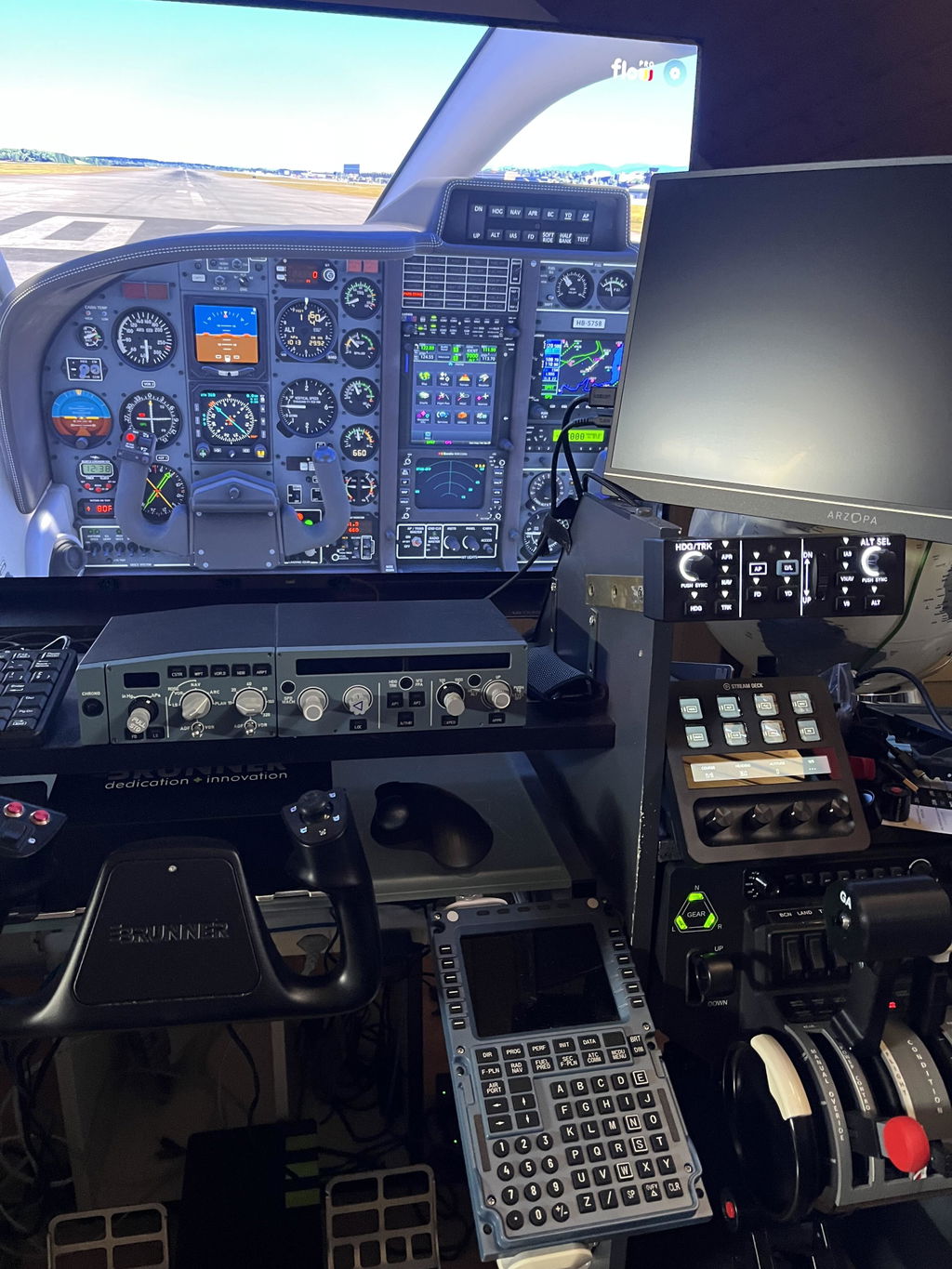
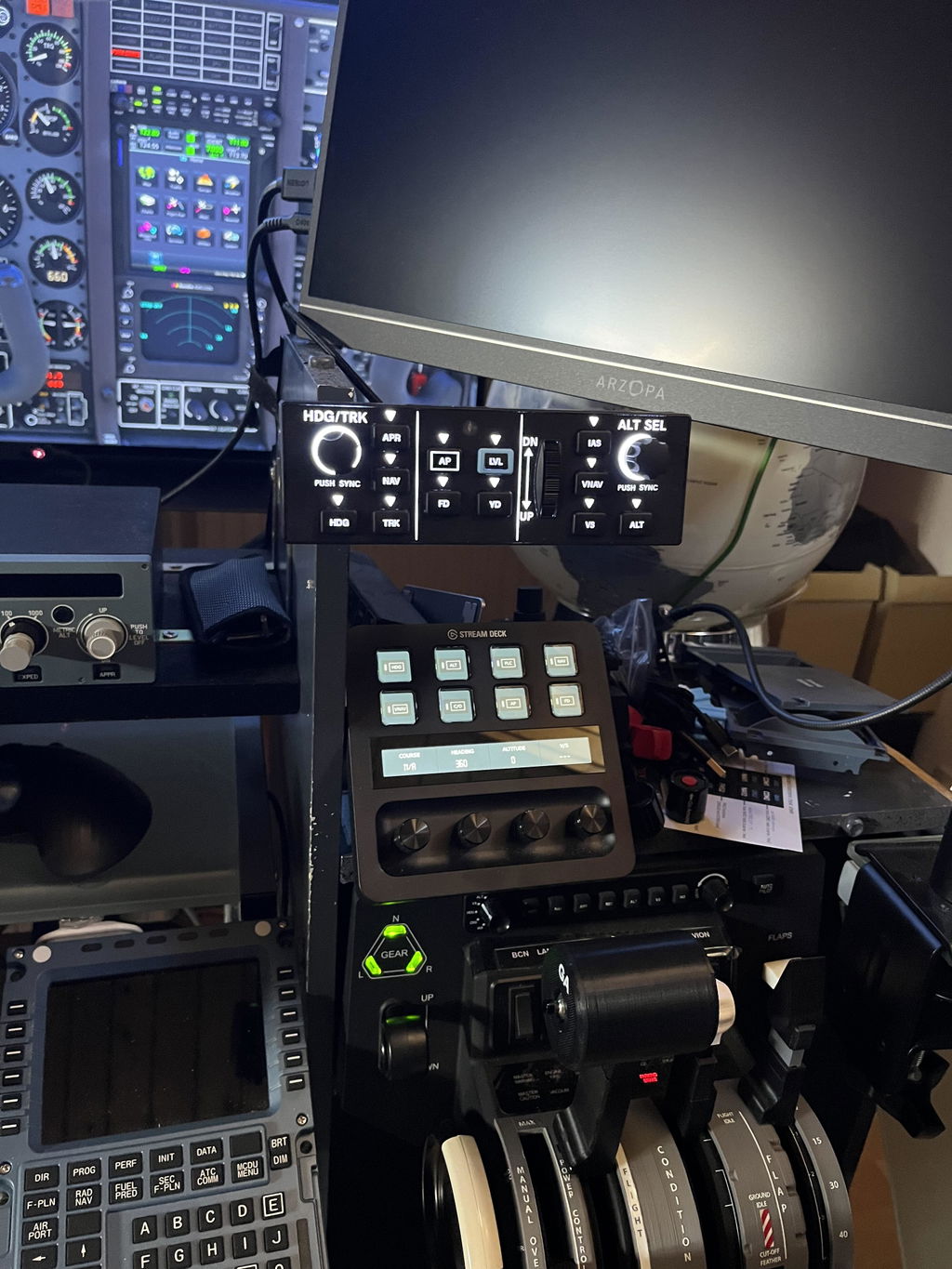
We will continue to improve our products based on feedback like yours. Regarding the vertical speed wheel, it may feel a little stiff at first, but it should become smoother after a period of use. Thank you again for choosing WINGFLEX!
The looks are great, the manual is missing the first setup with the software. On the site there is the old software and the unit did not work in FS24. After looking on Discord I found a new one.
I agree the only minus is the force on the vs wheel and also hope that you wil and can provide the early adapters with an upgrade !!
Frank
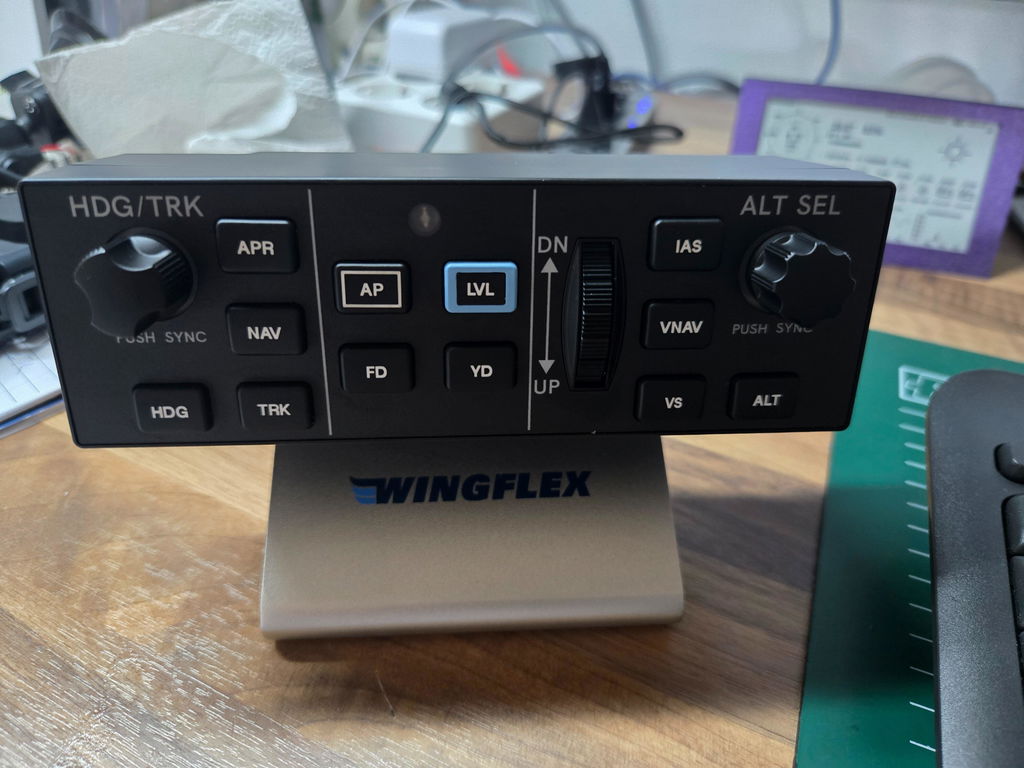
Thank you for your feedback. We will add complete software setup instructions to the manual and post them on our product page. As for the VS wheel resistance, we’ll optimize it for future batches. Feel free to email us if you need further help!
Looks like the real thing- well built, good quality, only minus is the force on the vs wheel which is too strong! (Not like the real thing🫢).
Trust you can fix this for the early buyers!
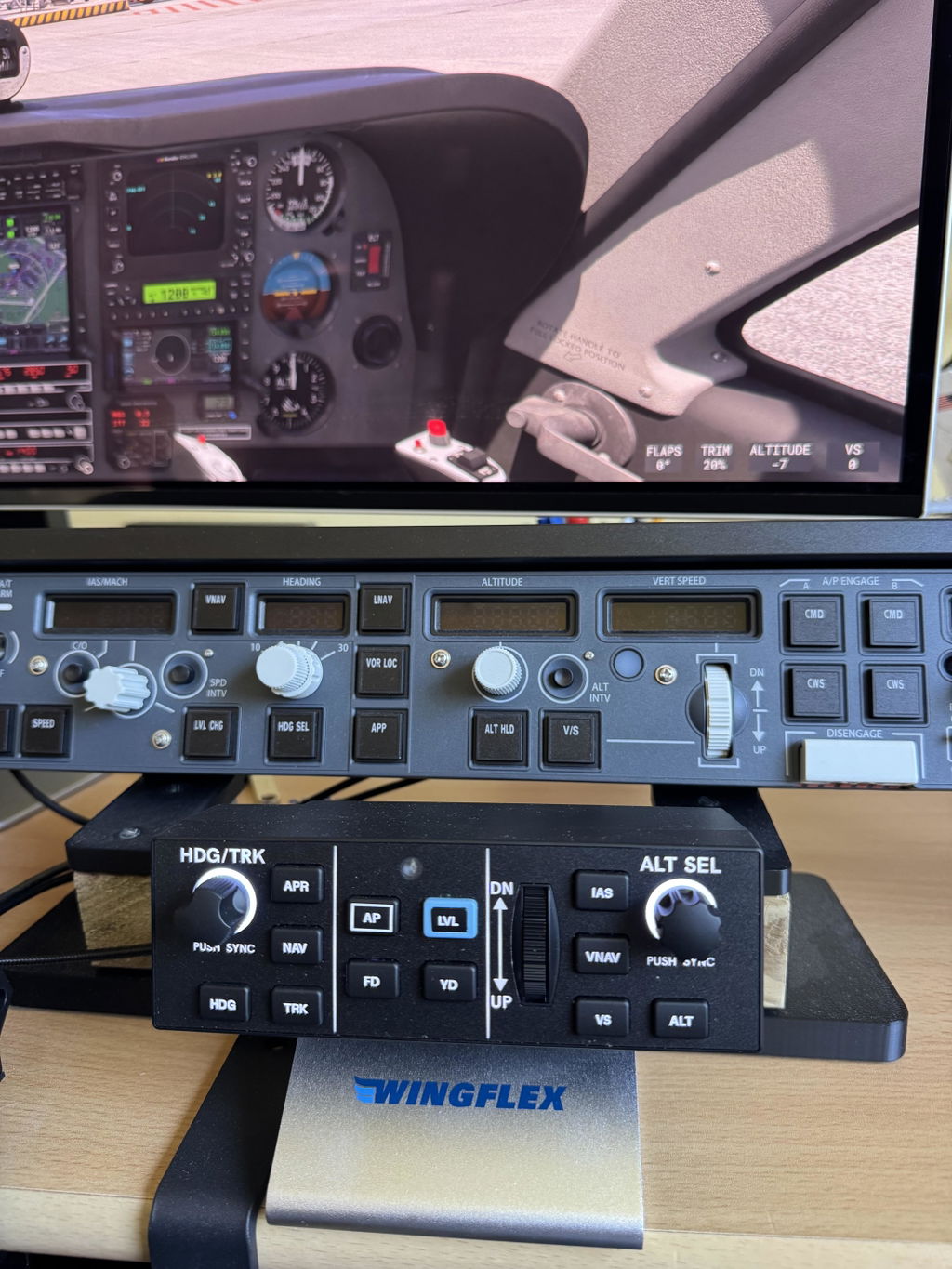
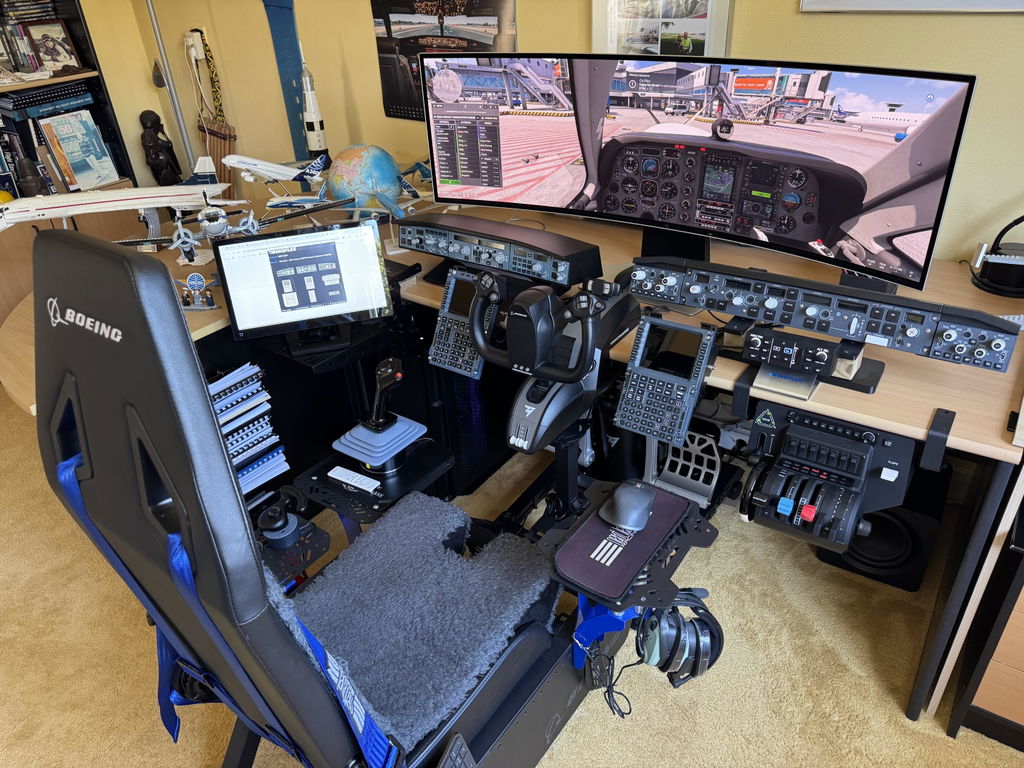
Thanks for your nice review and awesome setup photos! I’ve shared your feedback with our team, and we will optimize the VS wheel force on all future production units. Please feel free to email us directly if you have any other questions or issues.
Soooooo good, love the indikators so u know whats on
And it just works
Solid product & fast delivery. Setup was challenging-suggest making it easier.
Parametrage réussi
Coming Citation X and AT72-600 this is may favorit flight.
Nice build quality. Nice tacile feel. No lag
Overall useful to train muscle memory for a Garmin GFC500, and/or Garmin autopilot system.
Easy to upgrade firmware an auto software update.
No installer needed is also very nice. Runs from exe.
Loses 1 start because
No accelerated turn rate for the HDG/TRK rotary with X-plane 12. Need extra software to accomplish this. Now on click is one degree. You have to turn a lot to change 180 degrees. Would be nice if you turn quick, every click is a few degrees. Is partly a X-plane problem.
Some problems with software. Doesn't resize right in Windows 11.
Software freezes sometime (unable to close, and restarts frozen if you kill it)
Some compatibility issues with Moza Cockpit software. Have t start the Moza cockpit software after the Wingflex software.
But this are growing pain issues. Giving time they probably will be solved.
All good except the firmness of the wheel. Ok, but not as smooth as the real thing.
Great product. Easy to setup with SpadNext.
Thant's good, thank you for your feedback! ❤️
Ich sehr zufrieden mit dem Teil! Sehr gute Qualität! Sehr praktisch mit dem Aluminium- Ständer! Leider sind noch nicht viele Flugzeuge mit dem DAP 500 zu bedienen, gibt es bald neue Updates für MSFS 2024?
😘😘😘 Thank you for your review!!!
Good quality overall. I haven't found a way to bind the NAV button, but that is more of an issue with MSFS.
Yes, thank you very much for your rating and support! We really appreciate it. ❤️
First impressions are great, solid product, buttons and potentiometers feels good as well as vertical speed wheel.
Great product, fast delivery.
Awesome product. Doesn't seems to be plug and play though. Needs deep manual configuration.
Different aircraft might react to different MSFS2024 in-game control settings (example some aircraft reacts to “Toggle” instead of “ON/OFF”, there is no “one size for all” unfortunately.
As we have explained on other occasions, whether it’s the MSFS in-game binding capabilities or whether it’s about MobiFlight, the purpose is to enable the ability for users to customize their hardware for their own specific needs, and we do not have the capacity or proper ability to provide, maintain, or support “official profile.” We recommend you to use Wings-Bridge for natively supported aircraft for the best experience or try to bind in-game controls by yourself to make sure it suits your specific needs.
Thank you for your feedback! ❤️❤️❤️
Very well built, cool little autopilot
Doesn't recognize XPlane 12 Aircraft
Thank you for your feedback. Could you please let us know which specific aircraft model you are using in X-Plane 12? We have already sent you an email regarding this issue. Please reply to the email with the aircraft information, and we will help you troubleshoot and resolve the problem.
Excellent build. Wingflex needs to supply profiles for various aircraft.
Different aircraft might react to different MSFS2024 in-game control settings (example some aircraft reacts to “Toggle” instead of “ON/OFF”, there is no “one size for all” unfortunately.
As we have explained on other occasions, whether it’s the MSFS in-game binding capabilities or whether it’s about MobiFlight, the purpose is to enable the ability for users to customize their hardware for their own specific needs, and we do not have the capacity or proper ability to provide, maintain, or support “official profile.” We recommend you to use Wings-Bridge for natively supported aircraft for the best experience or try to bind in-game controls by yourself to make sure it suits your specific needs. 😘
A great add-on for flying in VR especially turning the knobs that are quite fiddly if trying to use mouse in VR. Relatively easy to setup but would have benefited from a key map initially. The scroll wheel is quite stiff but if the box is anchored to the Bravo control box using the stand with adhesive grips, it is easy to manipulate. Overall the operational feel is positive and works well.
Relatively good pricepoint, although a little hight for just a few buttons and knobs.
But is it worth it, yes.
Good quality, plug&play.
And great compatability with Mobiflight which is a must
we need more support for other addons like citationx falcon50, all without the use of external software like Mobiflight or others, only via your app thanks
I am using it on a Business jet. Had to set it up with bindings went well not all bindings were available but core functionality is good even with business jet. I love it.
Well built. Works fine.